
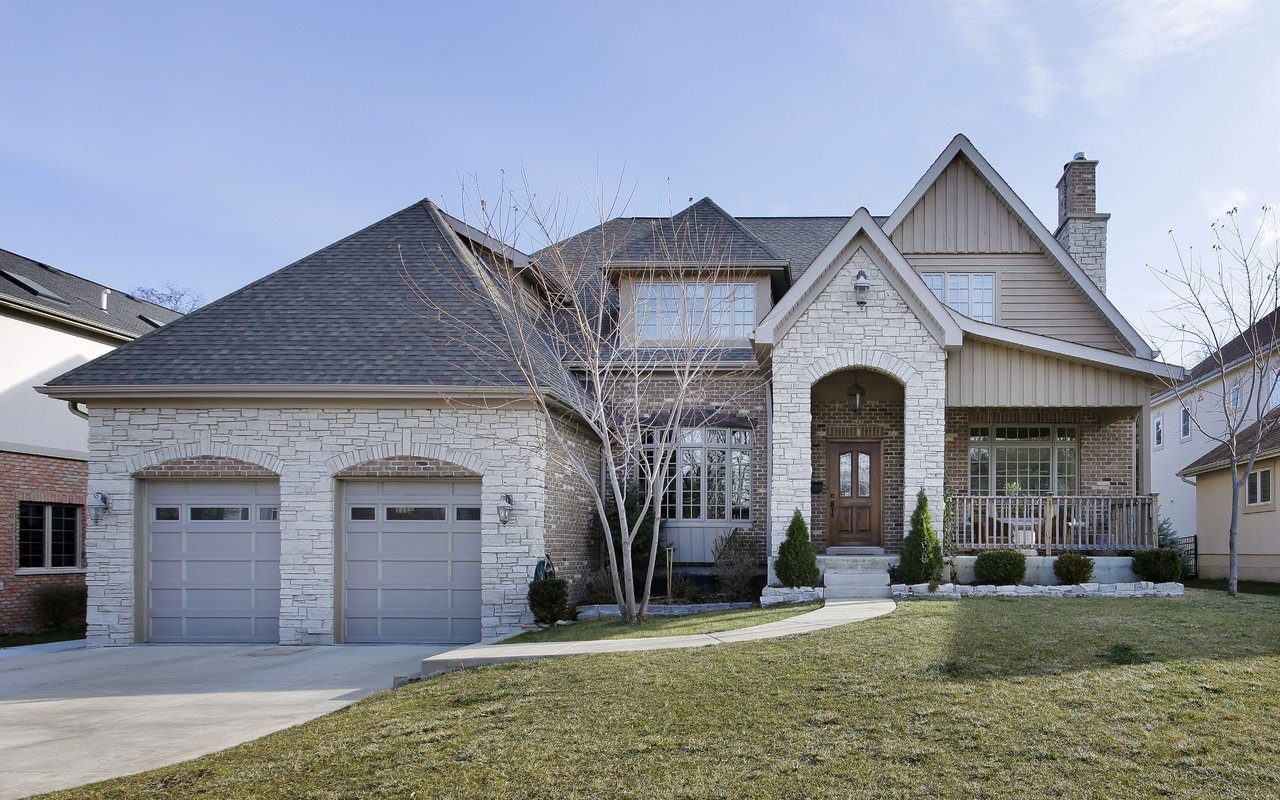
Here’s the first tip I want to share with you to sell your home.
Create a Facebook Post in Marketplace: Buy and Sell Group

Facebook Marketplace:
What is Facebook Marketplace? Facebook Marketplace is a discovery and search experience on Facebook designed to help millions of people find their next home. Anyone can sell in Facebook Marketplace as long as Facebook approves the listing.
Here’s how to create your first listing in the marketplace:
1. Click on the Marketplace Icon
2. Select Homes for Sale or Rent

3. Once you’ve selected one of these options, you’ll be prompted to create the actual listing for this product. Provide all required information.
4. Upload photos - you can upload up to 10 Photos. Choose photos that will highlight your listing.
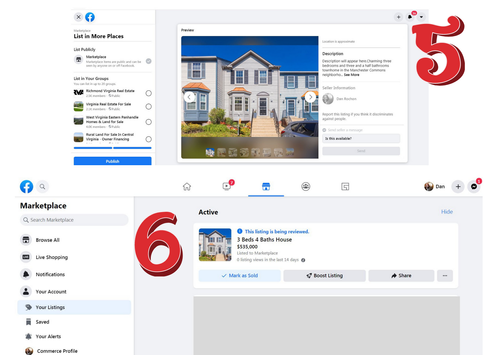
5. Once you completed all information required the next step is to choose where you would like to post it aside from the Marketplace.
6. Congratulations! Your Listing has now been posted.
Facebook Buy and Sell Group
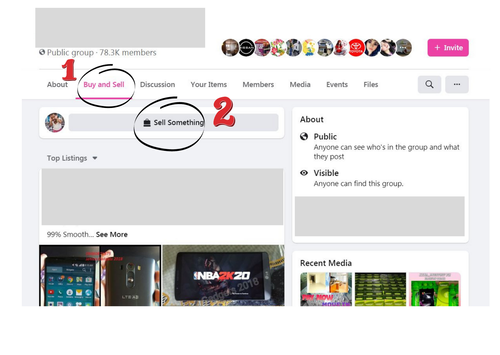
Join and Interact with Facebook Groups. You can only sell something in groups that have the Buy and Sell Feature turned on.
Go to Buy and Sell then post using Sell Something Option.
Provide as much information as you can.